
0.2.0 #37
LatestNew
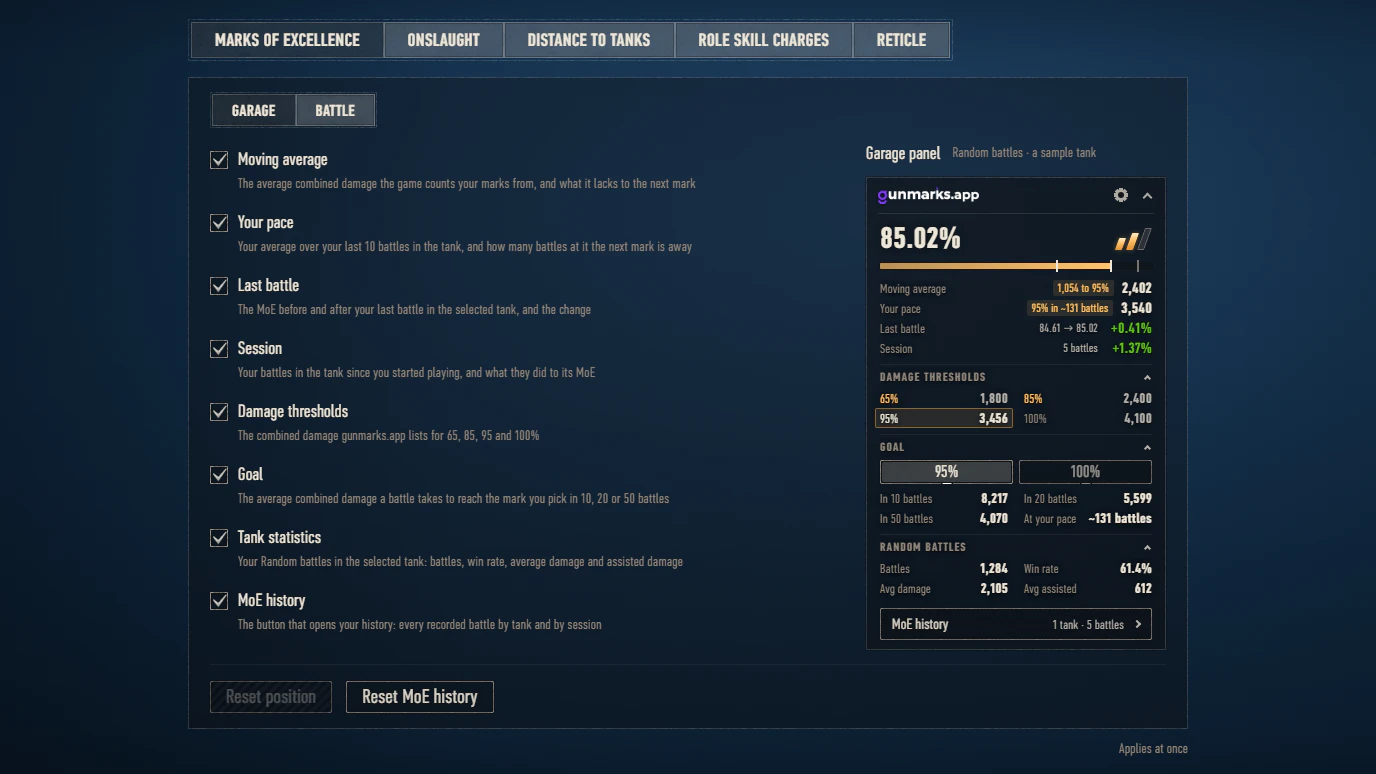
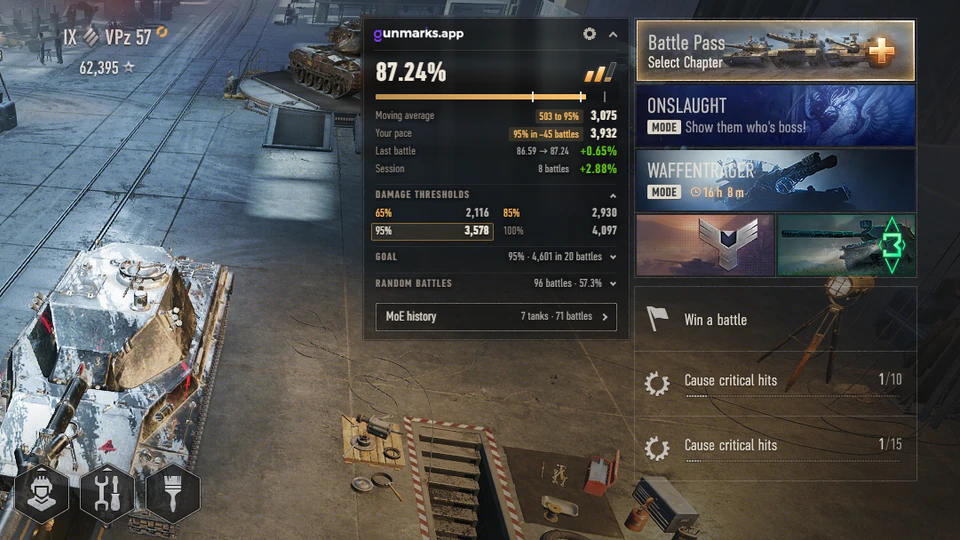
- Garage panel: your moving average, the number the game counts your marks from, and what it lacks to the next mark.
- Garage panel: a "Last battle" line with the MoE before and after your last battle in the tank and the change, and a "Session" line with the change over your session.
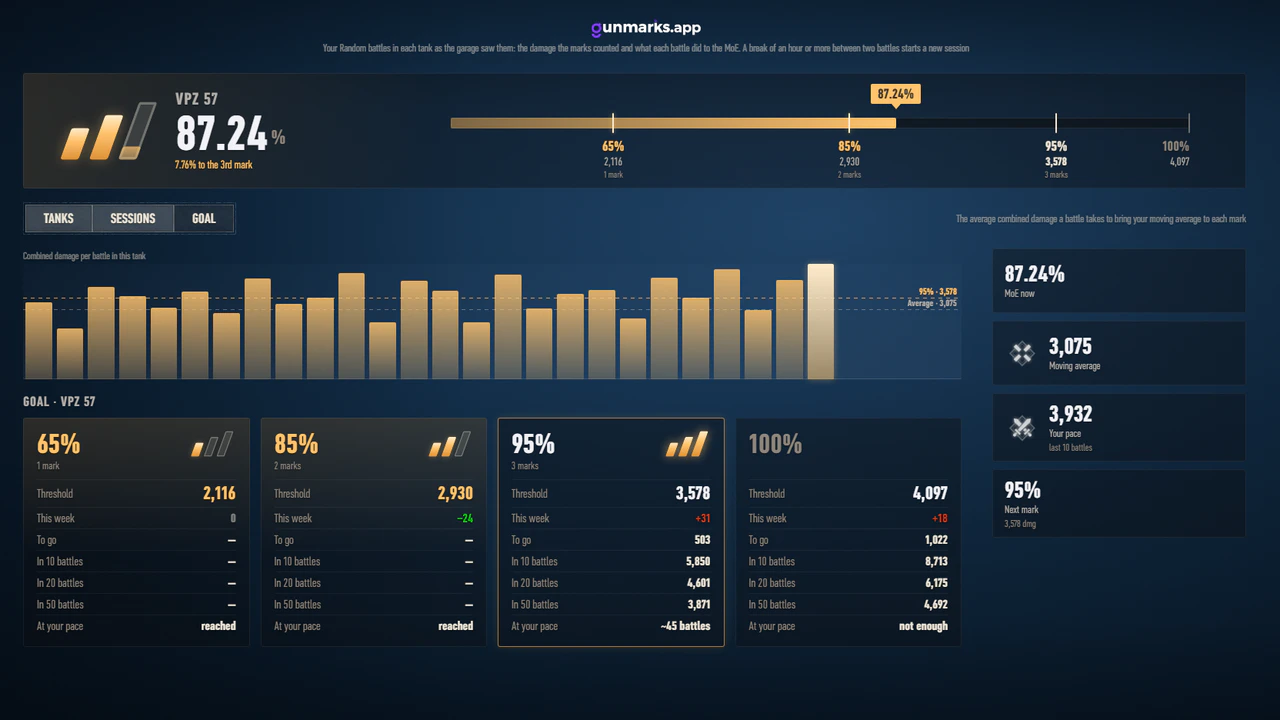
- Garage panel: a Goal section. Pick a mark and see the average combined damage it takes to reach it in 10, 20 or 50 battles.
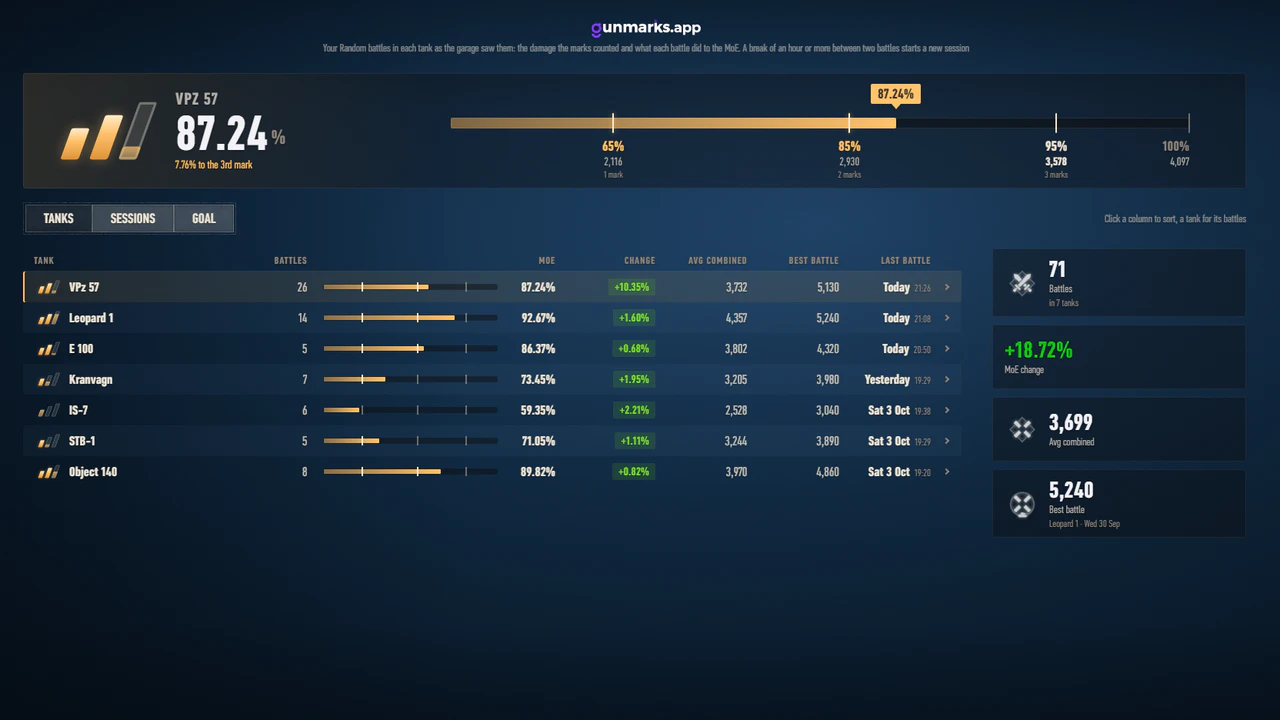
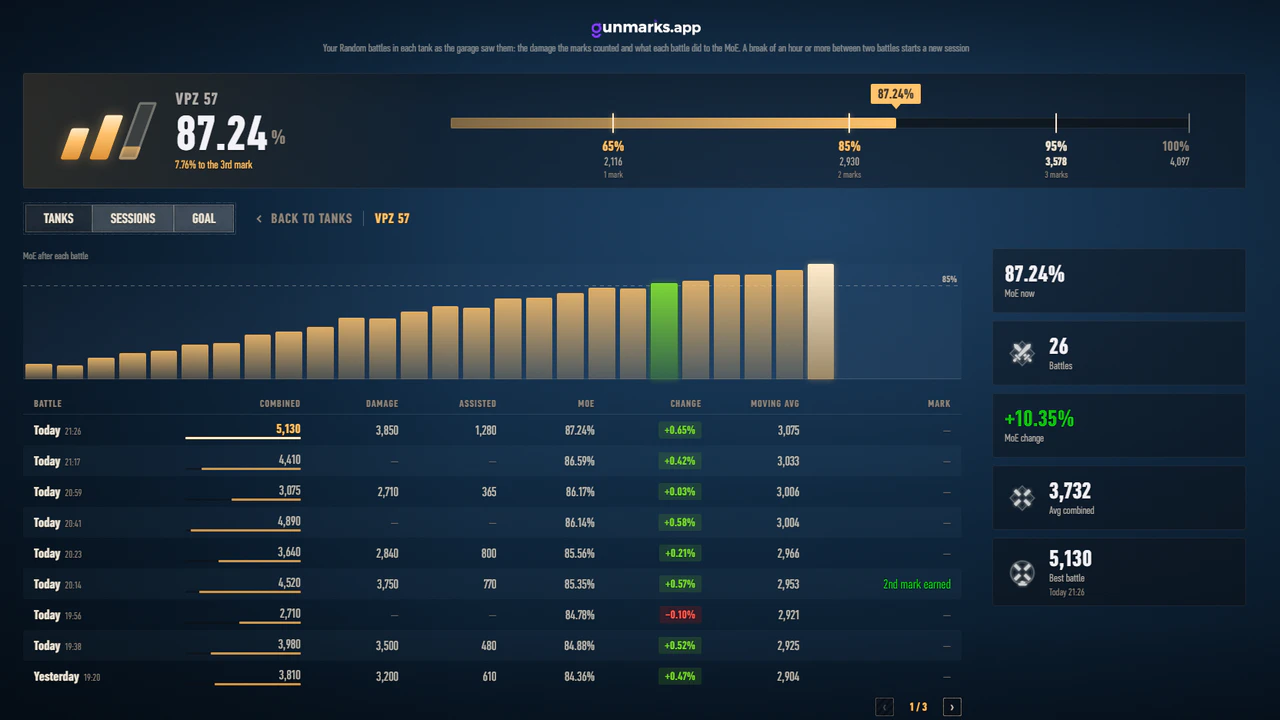
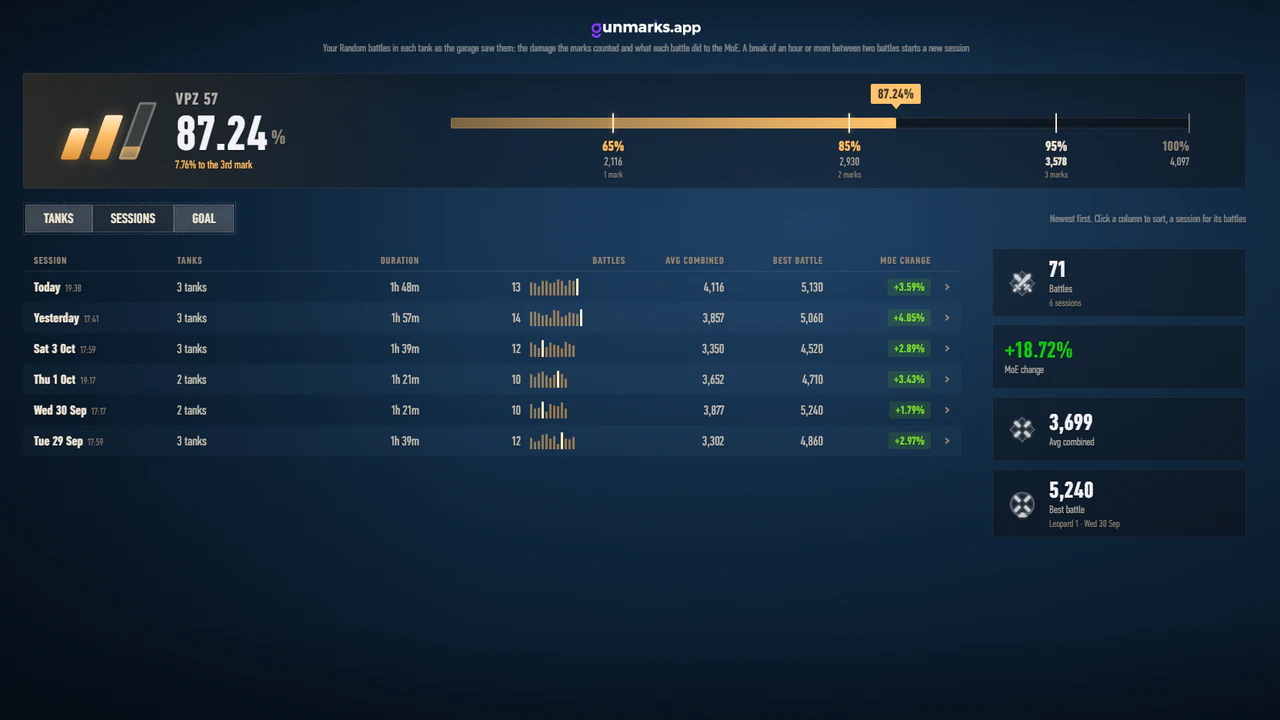
- MoE history: a page of its own, opened from the garage panel, with your recorded battles by tank and by session, a tank's MoE after each battle as a chart, your best battle, and what each mark takes.
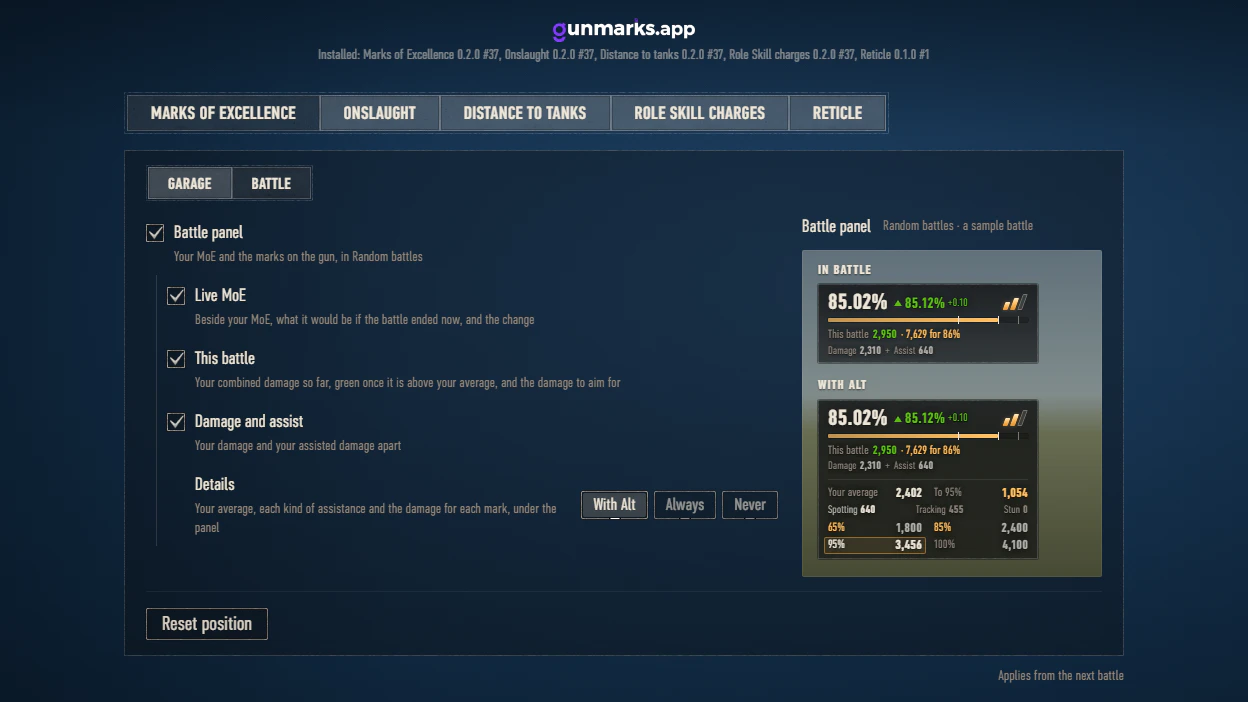
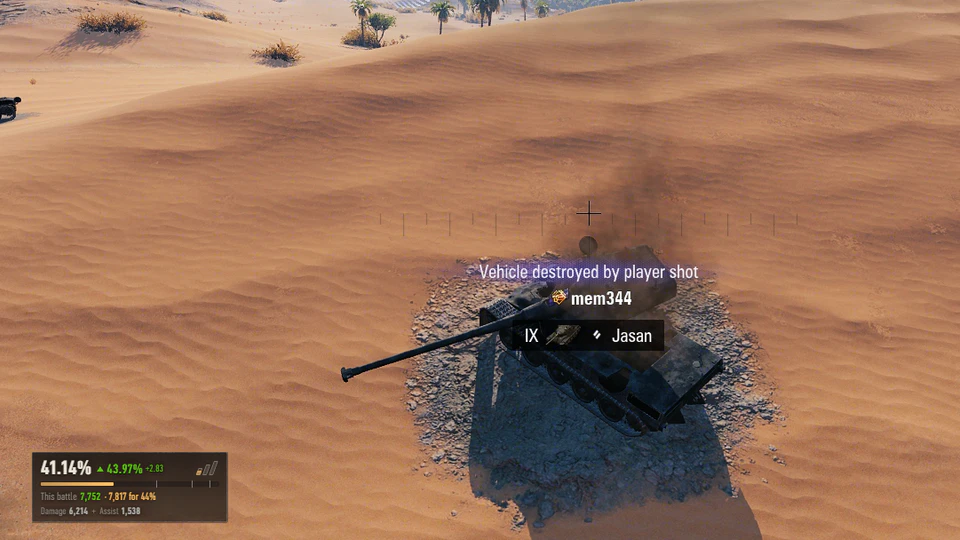
- Battle panel: your damage and your assisted damage shown apart, and the battle's combined damage turns green once it is above your average.
- Battle panel, with Alt: your average, and your assistance by kind (spotting, tracking, stun), the one that counts for marks lit.
- Settings: a switch for every line and section of the garage panel and for every part of the battle panel; the battle panel's details with Alt, always or never.
- Settings: a preview of the garage panel and of the battle panel beside their settings. Point at a setting to see its part of the panel lit.
- Settings: a "Reset MoE history" button.
Changed
- The mod is one file now, with its own version and its own updates: it needs no Gunmarks Core. Once every Gunmarks mod you have is updated, delete app.gunmarks.core_*.wotmod.
- The mod's file has a new name, app.gunmarks.moe_0.2.0.wotmod. After updating, delete the old app.gunmarks.randoms_*.wotmod: while it is still there it is not used, and the settings page says so. Your settings and recorded battles are carried over, into mods/configs/app.gunmarks/moe/.
- Settings: "Damage thresholds" no longer hides your pace, which has its own switch.
- Settings: a tab for each Gunmarks mod, under its name; this mod's has a switch between its garage and its battle settings.
- Settings: every installed Gunmarks mod is listed with its own version.
- The notice of a new version lists each of your mods that has one, with the version you have and the new one.
Fixed
- Garage panel: no longer stays on top of the equipment, shells and consumables screens, or the list of all vehicles.
- Garage panel: the unfolded Random battles figures line up with the other sections.